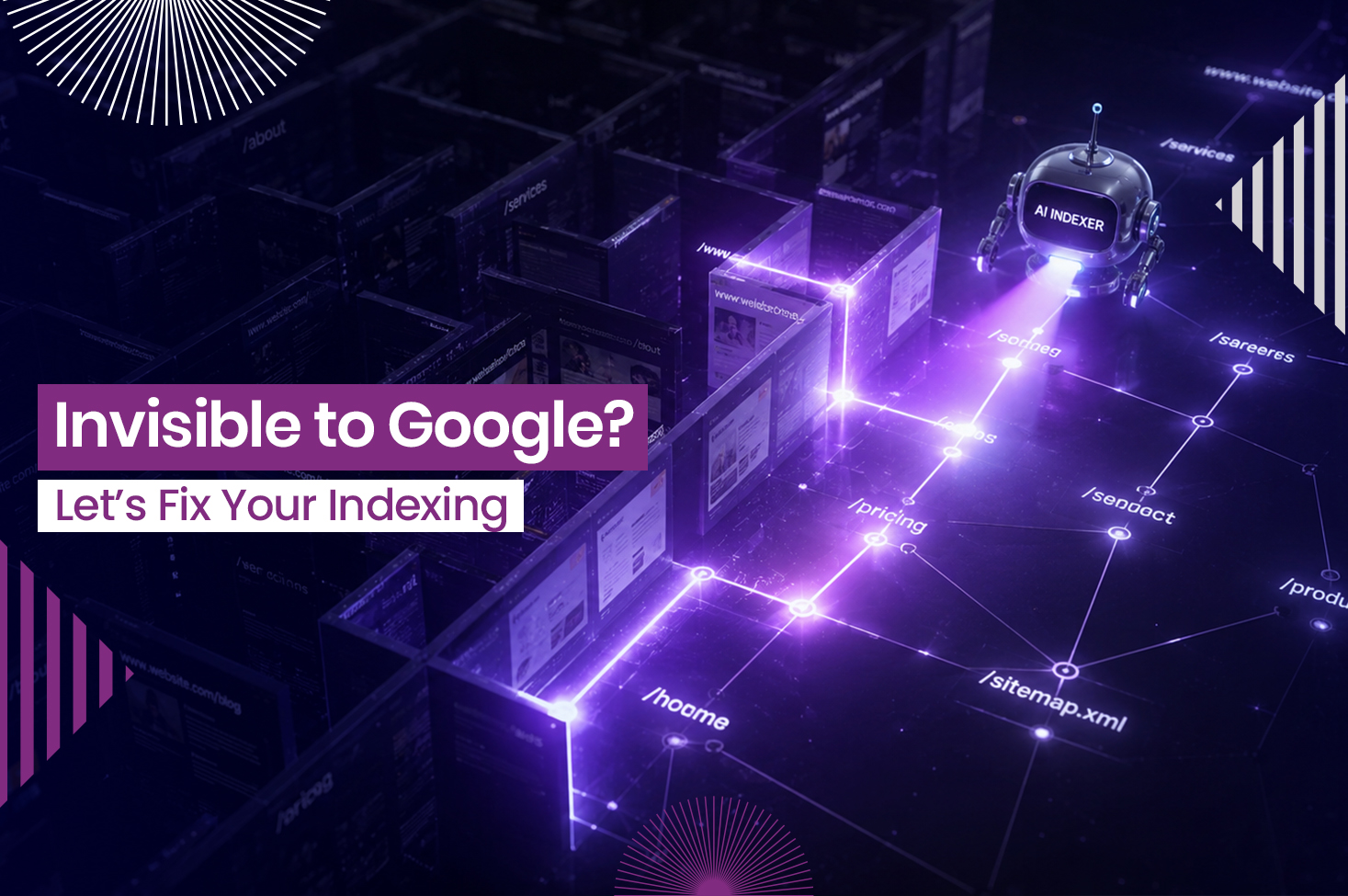
Search engines process billions of pages every single day, yet only a fraction of those pages ever appear in front of a user. The gap between publishing a webpage and actually being found online is wider than most people realize.
At the center of this gap is SEO indexing, the process that determines which pages are included in Google’s database and which remain undiscovered by search engines. Understanding this process is one of the most practical steps any website owner can take.
Let’s explore what indexing is in SEO, why it matters, and how to make sure your pages are getting filed correctly by search engines.
Crawling vs. Indexing vs. Ranking: What is the Difference?
These three terms get used interchangeably, but they describe three separate, sequential actions performed by Googlebot. Confusing them can lead you to diagnose the wrong problem on your site.
- Crawling (discovery): How Google finds content
The process begins with crawling. Google uses automated programs known as Googlebot to explore the web and discover new or updated pages. These bots follow links from one page to another, collecting information about available content. Crawling simply means discovery; it does not guarantee that a page will be stored in Google’s index.
An important factor in this stage is crawl budget, which refers to the number of pages Googlebot is willing to crawl on a website within a given period. This budget is influenced by factors such as site authority, server performance, and the number of URLs available for crawling.
Google reportedly increased its infrastructure capacity to crawl 14 billion URLs daily in 2026, a 40% increase from 2025. Even at that scale, Google cannot continuously revisit every page on the web. For large websites with thousands of URLs, ensuring crawl resources are focused on valuable content can improve the efficiency of discovery and indexing.
- Indexing in SEO (storage): How Google adds pages to its database
After a page is crawled, Google analyzes its content, code, images, and other signals to determine its relevance and quality. If the page meets Google’s standards and contains no blocking directives, it may be added to Google’s index.
SEO indexing is the process of storing a page in this database. Once indexed, the page becomes eligible to appear in search results. Without indexing, even high-quality content remains invisible to users searching on Google.
- Ranking (visibility): How Google chooses search results
Ranking is the final stage. When a user enters a search query, Google’s algorithms evaluate relevant indexed pages and determine which ones should appear in the results.
To make these decisions, Google considers factors such as relevance, authority, content quality, page experience, and user intent. Pages that best satisfy the query generally rank higher. Since ranking can only occur after indexing, a page that has not been indexed has no opportunity to appear in search results, regardless of the quality of its content.
Why is Google Choosing Not to Index Your Web Pages?
Publishing a page does not automatically earn it a place in Google’s index. Search engines evaluate technical signals, content quality, and site structure before deciding whether a page should be stored and made eligible for search results. Understanding the most common barriers can help improve your SEO indexing efforts.
- Indexing and crawling directives are blocking Google
Some pages remain unindexed because website settings explicitly instruct Google not to process them. A no index tag tells Google to avoid adding a page to its index, even if it is successfully crawled. Similarly, rules in the robots.txt file can prevent Googlebot from accessing sections of a website altogether.
These issues often occur unintentionally, especially when staging-site settings are carried over to a live website. As a result, valuable content can remain invisible to search engines despite being publicly available.
- Duplicate content and canonicalization issues
Google prefers to index a single authoritative version of similar content. Canonical tags help identify which version should appear in search results when multiple variations exist.
Problems arise when canonical tags point to the wrong page or when content is substantially duplicated across URLs. In these situations, Google may exclude certain pages from its index and prioritize what it considers the primary version. This can prevent intended pages from appearing in search results even though they exist on the site.
- Crawl efficiency issues prevent pages from being indexed
Google allocates a limited crawl budget to every website. When that budget is spent on low-value URLs, important pages may not be crawled or indexed efficiently.
Common causes include soft 404 pages, redirect chains, duplicate URL parameters, and other low-value URLs. A soft 404 occurs when a page technically exists but provides little or no useful content. Redirect chains create additional steps for Googlebot before it reaches a destination page. Both can consume crawl resources without contributing meaningful value.
Improving crawl efficiency helps Google focus on important content and can speed up the indexing of new or updated pages.
- Weak internal linking limits discoverability
Internal links help Google discover and understand the relationship between pages on a website. When important pages receive few internal links or are buried deep within the site’s architecture, Googlebot may struggle to find them consistently.
A strong internal linking strategy creates clear pathways for crawlers, improves content discoverability, and helps ensure key pages remain accessible for indexing.
- Mobile-first indexing affects how Google evaluates pages
Google primarily uses the mobile version of a page when crawling and indexing content. This approach, known as mobile-first indexing, means the mobile experience plays a central role in determining how a page is stored in Google’s index.
If the mobile version contains less content, lacks structured data, or blocks important resources that are available on desktop, indexing issues can occur. Ensuring consistency between mobile and desktop experiences helps Google accurately evaluate and index your content.
- Low-quality content may be filtered out
Google aims to provide users with useful, original, and trustworthy information. Pages with thin content, outdated information, broken elements, or content that closely resembles existing pages may be excluded from the index.
Content quality is directly connected to SEO indexing. Before a page can rank, Google must first determine that it provides enough value to justify inclusion in its database.
How to Verify and Improve Your Indexing Status
You do not need to guess whether Google has filed your pages. Several free methods give you a clear picture of your current SEO indexing status, and one of them lets you actively request faster indexing.
- The Site: Search Command
Open a Google search window and type site:yourwebsite.com. Google returns a rough count of every URL on your domain it currently holds in its database.
A zero-result response is a strong signal that your entire domain is facing an indexing block, most likely a robots.txt rule or a sitewide noindex setting.
- The Google Search Console URL Inspection Tool
Log into Google Search Console and paste the exact URL into the inspection bar at the top of the screen. The tool returns a real-time status card. A green checkmark confirms the page is indexed, while a gray or red status icon identifies the specific technical reason it has been excluded.
If the page is not yet indexed and you want to speed up the process, click the “Request Indexing” button directly within this tool.
This sends an explicit signal to Google to crawl and evaluate the page sooner than its regular crawl schedule. It does not guarantee immediate indexing, but it meaningfully shortens the wait for pages that carry no blocking issues.
- XML Sitemaps as an Indexing Tool
An XML sitemap is a structured file that lists all the URLs on your site you want Google to know about. Submitting it through Google Search Console gives Googlebot an organized map of your content. This is particularly valuable for large sites, new sites with limited inbound links, or pages that are difficult to reach through normal crawl paths.
A sitemap does not force indexing. Google still applies its own quality judgment to every URL listed. Think of it as a prioritized reading list you hand to Googlebot: it helps with discovery but does not override the filing decision.
- The Pages Report in Google Search Console
For diagnosing site-wide indexing problems, the Pages report (formerly called Index Coverage) is far more efficient than inspecting URLs one by one. Found under Indexing in the left navigation panel of Google Search Console, it shows every page on your site sorted into four categories: Valid, Excluded, Error, and Warning.
Patterns become visible quickly. If dozens of pages share the same exclusion reason, you can trace that back to a single technical cause and fix it at the source.
Make Indexing the First SEO Check Behind Traffic Drops
Getting a page published is only the beginning. When traffic drops, many teams quickly blame algorithm updates, content quality, or changing user behavior. However, indexing is often the invisible issue behind the decline. If Google cannot properly discover, crawl, or index your important pages, even strong content may struggle to appear in search results.
That is why teams should regularly review indexing status, monitor technical issues, and make sure Google can access priority pages efficiently. Small actions such as maintaining a clean site structure, strengthening internal links and checking Google Search Console can make a meaningful difference over time.
Consistent audits can help identify indexing barriers early, keep valuable content accessible, and ensure pages remain eligible to compete for visibility in search results.
FAQs
- What is the difference between deleting a page and setting it to noindex?
Deleting a page removes it from your site and typically returns a 404 error. A noindex tag keeps the page live for users but prevents it from appearing in Google’s index. In simple terms, deletion removes access, while noindex limits search visibility without affecting the user experience.
- Does submitting an XML sitemap guarantee that Google will index every URL?
No. An XML sitemap helps Google discover your pages, but indexing still depends on factors such as content quality, relevance, and technical health.
- How do you safely remove an indexed URL from Google’s database without deleting the content?
Add a noindex tag to the page and use the URL Removal tool in Google Search Console to speed up removal. Keep the noindex tag in place to prevent re-indexing.
- How long does it take for a new page to get indexed by Google?
There is no fixed timeline. Some pages are indexed within hours, while others may take days or weeks. Requesting indexing in Google Search Console and adding internal links can help speed up the process.
- Can a page rank without being in Google’s index?
No. A page must be indexed before it can rank. If Google has not added a page to its index, it cannot appear in search results.