
Stop scrambling for last-minute post ideas every single morning. The endless cycle of reactive publishing involves constantly wondering what to post, hunting for assets, and rushing out captions at the eleventh hour. This chaotic process drains your marketing team’s energy and dilutes your brand’s message. To break free from this daily stress and scale your online growth, you need a strategic blueprint.
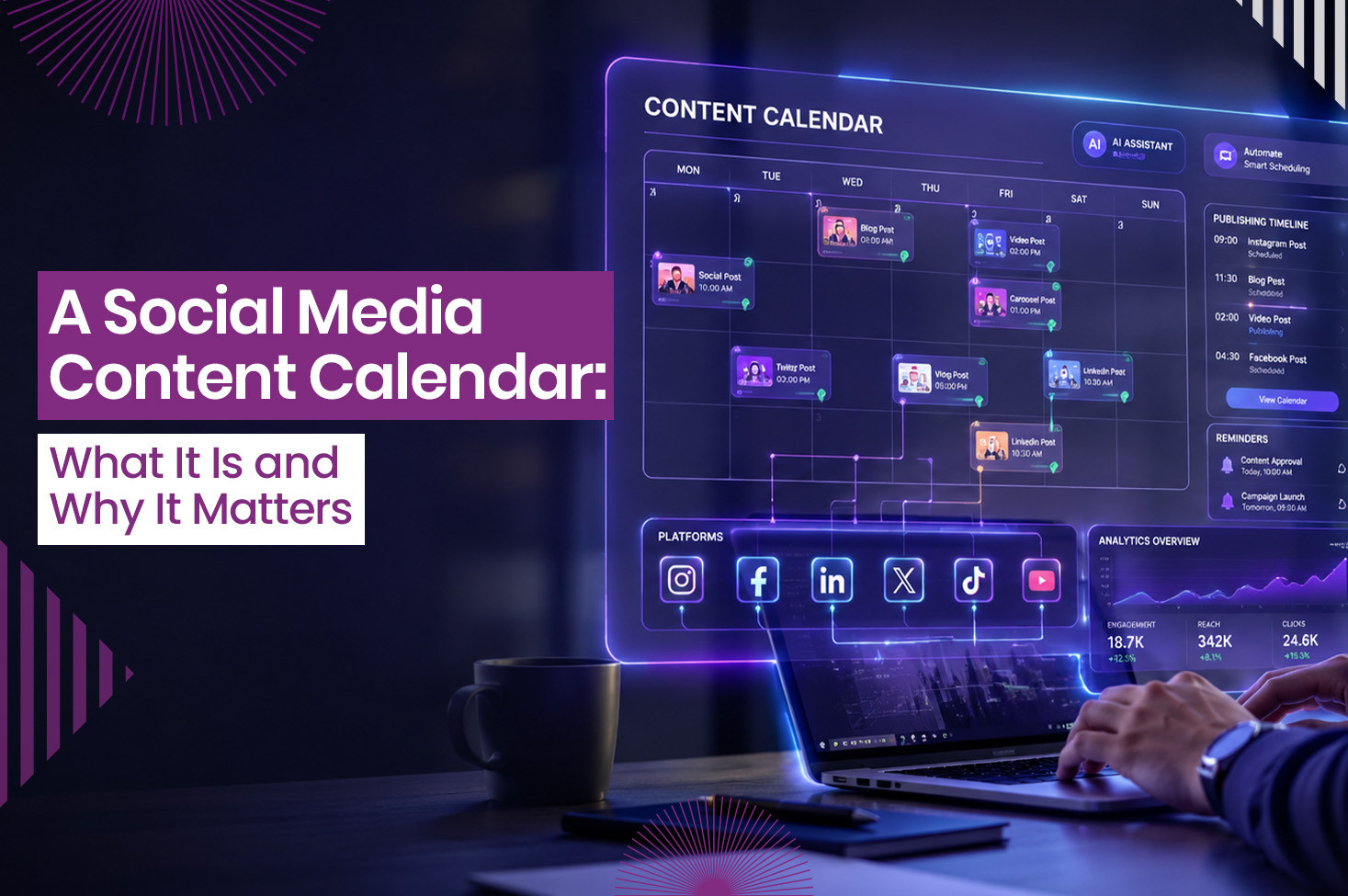
A social media content calendar acts as a centralized dashboard or timeline that enables marketing teams to strategically blueprint, organize, and track their entire publishing pipeline across multiple channels. It maps out exactly what content will be published, where (on which specific platforms), when (date and time), and who is responsible for creating it. It transforms daily reactive posting into a structured, proactive brand strategy.
This blog explains how to create a social media content calendar and why it is essential for scaling your brand’s digital presence.
What Core Details Belong Inside a Professional Content Calendar?
To prevent communication breakdowns, each post entry needs to act as a self-contained instruction card for your designers, writers, and managers.
- Text and Asset Layer
- Publishing Date and Time Slot: The exact release window, optimized based on your target audience’s peak active hours on each platform.
- Specific Target Platform: Clear labels indicating where the asset is going (e.g., Instagram Reel, LinkedIn article, TikTok Video, YouTube Short).
- Final Copywriting: The exact text caption, along with curated hashtags, link strings, and emojis, completely written and proofread in advance.
- Visual Creative Asset Link: A direct file link pointing to the approved graphic design, image file, or edited video clip waiting to be uploaded.
- Tracking and Management Layer
- Content Pillar Tag: Content pillars are a foundational set of 3 to 5 core themes or topics that your brand speaks about consistently. For example, your pillars might be Promotional (product features), Educational (industry tips), Behind-the-Scenes (company culture), and Entertainment (relatable memes).
Tagging these keeps you from accidentally posting nothing but sales pitches for two weeks straight.
- Current Editorial Status: A dynamic tracking label marking the asset’s stage of life, such as Brainstorm, In Production, Awaiting Review, Approved, or Scheduled. To make this work, you must establish a clear, documented workflow.
For instance, define exactly who moves a card from Brainstorm to In Production, who is notified when it hits Awaiting Review, and who has the final authority to flip the switch to Approved. Without these clear handoff rules, tasks fall through the cracks.
- Team Assignment Markers: Clear tags detailing who owns the copy drafting, who handles the asset design, and who is responsible for hitting the final publish button.
Critical Reasons Your Brand Needs a Content Calendar
Consistency is the single most heavily weighted factor in modern algorithmic social media discovery. Without a calendar, maintaining that consistency is nearly impossible.
- Eliminating Content Gaps and Daily Panic
When you don’t plan, you end up staring at a blank screen at 4:55 PM, wondering what to post. A calendar allows you to batch-produce content weeks in advance, ensuring your feed never goes dark or drops off the algorithm’s radar.
- Guaranteeing Flawless Brand Consistency and Quality
Rushed, typos, broken links, and low-res graphics usually plague last-minute posts. Creating a calendar introduces an editing buffer, giving your team plenty of time to catch errors and maintain high production values before anything goes live.
- Seamless Planning Around Major Business Campaigns
Whether you are launching a product, tracking a holiday sale, or running a seasonal promotion, a calendar lets you plan backward. You can strategically design a weeks-long psychological build-up across all platforms instead of treating the event like an afterthought.
- Tracking Advanced Metrics and Knowing What Works
When your historical posting data is scattered across five different platform dashboards, analyzing your growth is incredibly difficult. A centralized calendar archives exactly what you posted and when, making it easy to cross-reference your schedule with traffic spikes.
The Strategic Framework: Rules of Thumb for Modern Planning
Before diving into the setup, your team needs to understand the two golden rules of social media management: balancing your value and staying agile.
80/20 Rule in Social Media Planning
The 80/20 Rule serves as a strategic framework to sustain high audience engagement while keeping promotional content from overshadowing brand value:
- 80% of content should provide value. It should educate, entertain, inspire, or solve a problem for your audience without asking for anything in return.
- 20% of content should directly promote the brand. This is where you pitch your products, announce sales, drive conversions, or collect leads.
Applying this to your calendar is simple. If you plan to post 5 times a week, 4 of those posts should build community, and only 1 should be a direct sales pitch.
How to Handle Breaking Industry News If Your Calendar is Already Scheduled Weeks Ahead?
A common misconception is that a calendar makes your brand rigid. In reality, it gives you the stability needed to pivot quickly when breaking news or viral trends emerge.
When a major industry update drops:
- Pause the Queue: Temporarily halt your automated scheduler for the day or week.
- Evaluate Relevance: Ask if the breaking news genuinely impacts your audience. If yes, have your copywriter draft a quick, authoritative take.
- Shift and Reschedule: Insert the real-time post into the immediate time slot and push the pre-scheduled, non-urgent evergreen content down by one or two days.
The Step-by-Step Blueprint: How to Make a Social Media Content Calendar
Don’t try to plan an entire year at once. Focus on building a highly efficient, repeatable monthly production loop while respecting the unique format nuances of each social media channel.
- Define Your Strategy and Channels
Audit your current presence and determine which social media channels your target audience actually uses. Establish your core content pillars and decide on a sustainable weekly posting frequency.
Because each platform operates on a different algorithmic rhythm, your creative team will design and plan production capacity around these specific benchmarks:
| Platform | Recommended Weekly Frequency | Best Format Nuances to Keep in Mind |
| 3–5 posts per week | Balance high-yield vertical Reels with carousel graphics optimized for semantic keyword search over hashtags. | |
| 2–5 posts per week | Focus on thought-leadership text posts, PDF carousels, and in-depth industry insights. | |
| YouTube Shorts | 1–3 videos per week | Prioritize high-retention editing style, rapid visual hooks in the first 3 seconds, and clean audio. |
| TikTok | 2-5 videos per week | Focus heavily on trending audio tracks, raw/authentic aesthetics, and community engagement. |
| X (Twitter) | 3–4 threads per week (plus daily replies) | Prioritize text-driven industry commentary, breaking news, and participating heavily in reply sections. |
- Hold a Monthly Ideation Session
Gather your team once a month to pitch ideas. Map out major holidays, product launches, and industry trends, then plug raw topic concepts into your calendar dates as placeholders.
- Batch Produce Your Assets
Pass the approved concepts to your creative team. Write all the captions, design the graphics, and film the video content in focused batches rather than switching tasks daily.
- Load and Schedule the Queue
Upload your approved text and media assets into a social media scheduling tool. Automate the publication process so your content goes live seamlessly without requiring manual daily intervention.
- Review, Track, and Analyze
A calendar loop isn’t complete without data feedback. At the end of every month, look back at your posted assets and document their actual performance (views, engagement, click-through rates) directly in your calendar dashboard.
Identify which content pillars performed best so you can lean heavily into those topics during your next monthly ideation session.
What Free Digital Tools and Software Apps are Best for Building Your First Calendar?
You don’t need a massive budget to launch your first content calendar. Depending on your team size and operational needs, you can choose from several free or freemium tools.
- For Organization and Layouts (Planning and Production)
- Google Sheets / Microsoft Excel (Free): The absolute simplest way to start. Highly customizable using basic grid timelines, though it lacks native asset preview capabilities.
- Notion (Free Personal/Team Tiers): Incredible for building strong, visual Kanban boards or databases where each post is a nested page containing the copy, assets, and assignment tags.
- Trello (Free Tier): Excellent for teams that prefer a visual card-based workflow to track a post’s journey.
- For Automated Scheduling and Analytics (Execution and Tracking)
- Buffer (Free tier for up to 3 channels): A straightforward, highly intuitive queuing tool for scheduling text, images, and videos.
- Later (Free/Low-cost tiers): Highly visual, making it ideal for previewing how your upcoming posts will look together on a grid (especially useful for Instagram).
- Publer / Hootsuite (Free options): Solid options for teams looking to manage multiple platforms, view analytics, and track engagement trends from a single dashboard.
Ready to Build a High-Growth Content Pipeline?
Transitioning from a reactive, last-minute posting routine to a structured social media content calendar is the single most effective operational upgrade you can give your marketing team. At Liqvd Asia, we help brands establish a streamlined content planning process that brings clarity and direction to social media efforts. With content mapped in advance, teams can maintain a consistent brand presence, deliver high-quality communication and engage audiences more effectively across every relevant platform.
By defining your content pillars, setting up a collaborative production tracking layer, and automating your publishing queue with the right software stack, you free up the mental bandwidth needed to build true community engagement and scale your business.
Frequently Asked Questions
- How do we determine the best publishing date and time slot for each social media platform?
Your optimal release window depends entirely on when your unique target audience is most active. Instead of guessing, check the native analytics tab on platforms like Instagram or LinkedIn to see when your followers are online.
Once you identify these peak hours, label them clearly in the text and asset layer of your content calendar, so your team knows exactly when to schedule each post for maximum visibility.
- What is the risk of using a content calendar without establishing clear tracking and management layers?
Without a tracking layer (like assignment markers and editorial statuses), communication breaks down and tasks fall through the cracks. It leads to confusion over who is drafting the copy, who is designing the asset, and who has the final authority to click “Approved.”
A professional calendar solves this by turning every post into a self-contained instruction card with clear handoff rules.
- Why shouldn’t a brand try to plan its social media content calendar an entire year in advance?
Social media moves too fast for annual planning. Trying to map out twelve months at once makes your strategy rigid and ignores shifting algorithmic rhythms and evolving audience interests.
Instead, focus on building a repeatable, highly efficient monthly production loop that allows you to review fresh data feedback at the end of every month and adjust your next ideation session accordingly.
- How does semantic search change how we write Instagram calendar copy?
The 2026 Instagram algorithm relies heavily on semantic search, meaning it reads the actual context and vocabulary of your captions rather than just looking at a block of hashtags.
In your calendar’s final copywriting section, focus on naturally integrating relevant industry keywords, clear phrases, and descriptive language into your text captions to help the platform correctly categorize and distribute your content.
- Why is documenting performance metrics directly inside the content calendar necessary?
It turns your calendar into a strategic data archive rather than just a schedule. By recording views and engagement next to your posted assets each month, you can easily cross-reference traffic spikes with specific content pillars, showing you exactly what topics to double down on in your next planning session.